Showing posts with label Microsoft How to. Show all posts
Showing posts with label Microsoft How to. Show all posts
Friday, August 14, 2015
Upgrade Windows 7, 8 to Windows 10

How to upgrade Windows 7, 8, 8.1 to Windows 10 for FREE?
Great news! We will offer a free upgrade to Windows 10 for qualified new or existing Windows 7, Windows 8.1 and Windows Phone 8.1 devices that upgrade in the first year! And even better: once a qualified Windows device is upgraded to Windows 10, we will continue to keep it up to date for the supported lifetime of the device, keeping it more secure, and introducing new features and functionality over time – for no additional charge. Sign up with your email today, and we will send you more information about Windows 10 and the upgrade offer in the coming months.
Microsoft Official Link:
http://windows.microsoft.com/en-in/windows-10/about
How Windows 10 is different to Windows 7, 8, 8.1?
- The Windows you know, only better
- Always up to date
- Easy to do, quick to act
- Rule the web
- Take your gaming further
- Universal Apps, including Office
http://windows.microsoft.com/en-in/windows/preview-iso

Boot into Safe Mode in Windows

How to Boot into Safe Mode in Windows 10, 8.1, 8, 7, XP, Vista or Earlier Version?
Safe mode is useful for troubleshooting problems with programs and drivers that might not start correctly or that might prevent Windows from starting correctly. If a problem doesn't reappear when you start in safe mode, you can eliminate the default settings and basic device drivers as possible causes. If a recently installed program, device, or driver prevents Windows from running correctly, you can start your computer in safe mode and then remove the program that's causing the problem. For more information about troubleshooting problems in safe mode, see Diagnostic tools to use in safe mode.
See Microsoft Official link to Boot in Safe Mode
Blue Screen errors in Microsoft Windows
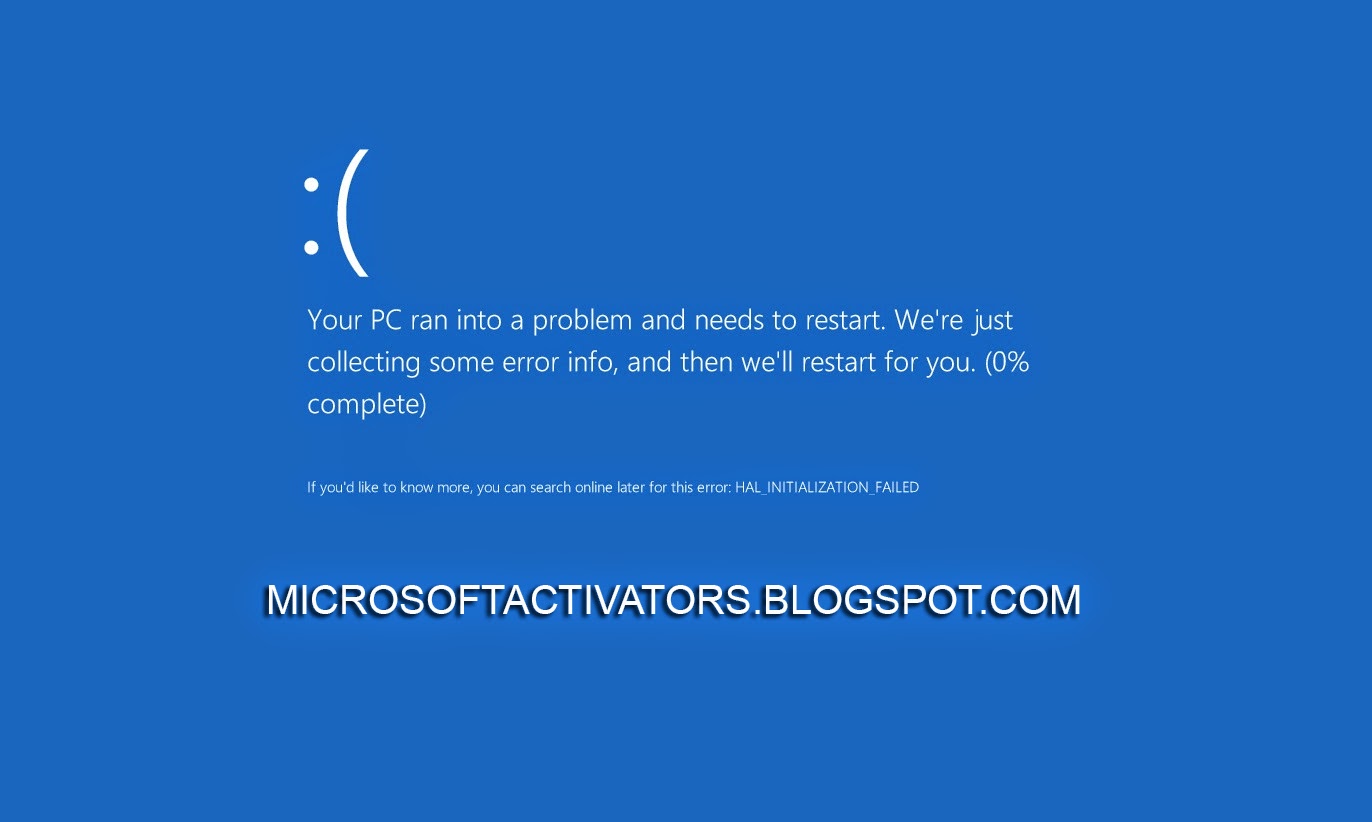
How to Resolve Blue Screen errors in Windows 8.1, 8, 7, XP, Vista or Earlier Versions?
Blue Screen errors can occur if a serious problem causes Windows to shut down or restart unexpectedly. You might see a message that says, "Windows has been shut down to prevent damage to your computer."
These errors can be caused by both hardware and software problems. If you added new hardware to your PC before the Blue Screen error, shut down your PC, remove the hardware, and try restarting. If you're having trouble restarting, you can start (boot) your PC in safe mode. See How to boot in Safe Mode?
You can also try the following:
You can also try the following:
- Get all the latest updates with Windows Update.
- Try restoring Windows back to an earlier point in time.
- Get help from other sources.
How to Install Windows XP, 7, 8, 8.1 using bootable Pen drive, USB or Flash drive
This post will teach you, How to install XP, 7, 8, 8.1 using bootable Pen drive, USB or Flash drive.
It is the easiest way to install Windows using USB
Requirements:
- A Pen drive, USB or Flash drive (Minimum 4 GB or more)
- A Windows XP, Windows 7, Windows 8, Windows 8.1 ISO (which you can make using any CD/DVD image creating software like ImageISO, MagicISO etc.)
- "Win to USB" Software, Click here to download (Its a Microsoft Product, So there is no need to say that, It doesn't contain any Virus, Malware or Spyware)
- Windows XP SP2, Windows Vista, or Windows 7 (32-bit or 64-bit)
- Pentium 233-megahertz (MHz) processor or faster (300MHz is recommended)
- 50MB of free space on your hard drive
- DVD-R drive or 4GB removable USB drive
- The following applications must be installed prior to installing the tool
- Microsoft .NET Framework 2.0 must be installed. It can be Downloaded Here
- Microsoft Image Mastering API v2 must be installed. It can be Downloaded Here
(Before you run the Download Tool, make sure you have purchased the Windows ISO download from Microsoft Store and downloaded the Windows ISO file to your drive. If you have purchased Windows but have not yet downloaded the ISO file, you can download the ISO file from your Microsoft Store Account)
How to make a copy of your Windows ISO file into Pen drive?
5 Steps to follow
5 Steps to follow
(Tutorial with images)
Step 1: Download and Install "Win to USB", After installing it completely, Launch it.
.jpg)
Step 2: Click on Browse Tab and Browse Windows ISO file from your Computer or PC.
After browsing Windows ISO, Click on Next Tab
After browsing Windows ISO, Click on Next Tab
.jpg)
Step 3: Now you have to click on USB device Tab (To make bootable USB) or DVD Tab (To make Bootable DVD). Make sure Pen drive or DVD should be inserted already before clicking on these tabs.
.jpg)
Step 4: As you can see in the given image, Software has detected the inserted Pen drive already. Now just click on Begin copying Tab
.jpg)
Step 5: Now Software is creating bootable USB device. You have to wait for at least 15 to 20 minutes (Depending on your PC performance).
.jpg)
As soon as it will finish, it will show you message as completed.
Installation
To install the Windows USB/DVD Download Tool
1. Click to open the Windows USB/DVD Download Tool page.
2. Click Download then Run.
3. Follow the steps in the setup dialogs. You'll have the option to specify where to install the Windows USB/DVD Download Tool
Frequently Asked Questions
1. What size USB drive is required?
You need a USB drive with a minimum of 4GB of free space.
2. Can I back up to a CD-ROM?
No. The Windows ISO file is too large to fit on a CD.
3. Can I use my newly created USB drive to install Windows on someone else's computer?
No. The Windows ISO file on the USB drive is only intended to be used to install Windows on the licensed user’s own computer.
4. Can I back up to a Blu-ray Disc?
Yes, as long as your DVD drive can write to a Blu-ray Disc.
5. Can I backup to an external hard drive or other device with enough free disk space?
Yes, but this is not recommended. The device must be formatted in order for the device to be bootable. A dedicated USB flash drive would be a better option.
6. Can I use the Windows USB/DVD Download Tool to back up other files?
No. This tool is only for use with the Windows ISO file purchased from Microsoft Store.
7. If I have other files on the USB drive will the Windows USB/DVD download tool delete them?
This tool requires the USB drive to be completely blank before the Windows files are copied. This helps ensure that the device is bootable after the copying has completed.
8. Does the tool support dual-layer DVD discs for burning?
No. Currently, the tool does not support dual-layer DVD discs.
The next generation Windows 10
The next generation Windows 10
Few important information about Windows 10, the new generation of Windows.Our team shared more Windows 10 experiences and how Windows 10 will inspire new scenarios across the broadest range of devices, from big screens to small screens to no screens at all. You can catch the video on-demand presentation here.
Windows 10 is the first step to an era of more personal computing. This vision framed our work on Windows 10, where we are moving Windows from its heritage of enabling a single device – the PC – to a world that is more mobile, natural and grounded in trust. We believe your experiences should be mobile – not just your devices. Technology should be out of the way and your apps, services and content should move with you across devices, seamlessly and easily. In our connected and transparent world, we know that people care deeply about privacy – and so do we. That’s why everything we do puts you in control – because you are our customer, not our product. We also believe that interacting with technology should be as natural as interacting with people – using voice, pen, gestures and even gaze for the right interaction, in the right way, at the right time. These concepts led our development and you saw them come to life today.
FREE UPGRADE OF WINDOWS 10
New Windows 10 Experiences
Windows 10 is now available worldwide, and thanks to the help and hard work of the Insiders who are already participating in the Windows Insider Program, it's the best Windows ever. Now, you can continue to help us make it even better.
Join the Windows Insider Program and you'll be able to opt-in to receive preview builds and give us feedback on our latest work. You'll also get access to the Windows 10 Mobile Insider Preview to help us fine tune it for launch. Watch for more details soon on the next wave of Windows 10 PC Insider Preview.
Microsoft Released Windows 10 Technical Preview

Microsoft Announced Windows 10 - The Next Generation Windows Operating system
Everyone was waiting for the next generation of Windows operating system, i.e. Windows 9, but skipping right over 9, Microsoft has announced the next version of its Windows is Windows 10, disclosing its first details on Tuesday at an event in San Francisco. Windows 10 will be available for Smartphones and tablets to desktop PCs.
Windows 10 Released Date:
The latest version of Microsoft, will be released next year in mid of 2015. However Technical preview is available right.

Windows 10 Features:
1. Start Menu
You will see Start menu in Windows 10, which was removed in windows 8.
2. Snap Assist helps you snap windows
A new Snap Assist feature also helps users work out which way is best to snap apps to.
3. Command Prompt
CMD users will experince new feature. Command prompt is now getting keyboard shortcuts. So you will be able to paste in your commands
4. New App Store
A new App store with new universal apps.
Windows 10 Price
The price of this windows has also not announced yet. However it will not cost much once it will release.
Microsoft Windows 10 Technical Preview Free Download
Follow these steps to download Technical Preview:1. Sign up for the Windows Insider Program.
2. Read the system requirements.
3. Click one of the Download links on this page to download a special file - it's called an ISO file - that you can use to install the preview.
4. When the download is complete, transfer the ISO file to installation media such as a DVD or USB flash drive.
5. Double-tap or double-click setup.exe from the installation media, and then follow the steps.
Windows 10 Product key
NKJFK-GPHP7-G8C3J-P6JXR-HQRJR
Everyone was waiting for the next generation of Windows operating system, i.e. Windows 9, but skipping right over 9, Microsoft has announced the next version of its Windows is Windows 10, disclosing its first details on Tuesday at an event in San Francisco. Windows 10 will be available for Smartphones and tablets to desktop PCs.
Windows 10 Released Date:
The latest version of Microsoft, will be released next year in mid of 2015. However Technical preview is available right.
Windows 10 Features:
1. Start Menu
You will see Start menu in Windows 10, which was removed in windows 8.
2. Snap Assist helps you snap windows
A new Snap Assist feature also helps users work out which way is best to snap apps to.
3. Command Prompt
CMD users will experince new feature. Command prompt is now getting keyboard shortcuts. So you will be able to paste in your commands
4. New App Store
A new App store with new universal apps.
Windows 10 Price
The price of this windows has also not announced yet. However it will not cost much once it will release.
Microsoft Windows 10 Technical Preview Free Download
Follow these steps to download Technical Preview:1. Sign up for the Windows Insider Program.
2. Read the system requirements.
3. Click one of the Download links on this page to download a special file - it's called an ISO file - that you can use to install the preview.
4. When the download is complete, transfer the ISO file to installation media such as a DVD or USB flash drive.
5. Double-tap or double-click setup.exe from the installation media, and then follow the steps.
Windows 10 Product key
NKJFK-GPHP7-G8C3J-P6JXR-HQRJR
| Language | Link to download | SHA-1 hash value |
| Windows 10 English 64-bit (x64) | Download (3.81 GB) | EB75A3D3C0F621F175B75DC65DB036D0E00EAC43 |
| Windows 10 English 32-bit (x86) | Download (2.93 GB) | 73AC23AD89489855F33CA224F196327740057E2E |
| English (United Kingdom) 64-bit (x64) | Download (3.79 GB) | 17C6CD7224D13DB61B93A4A9D38202E3A0019378 |
| English (United Kingdom) 32-bit (x86) | Download (2.94 GB) | BFF496678A09255738BFBFA14903295D55478C33 |
| Chinese (Simplified) 64-bit (x64) | Download (3.96 GB) | 135E3193571C5AF9FBF36D24D07B2BE7EE49B2E8 |
| Chinese (Simplified) 32-bit (x86) | Download (3.05 GB) | 3EE3A2033BE666BA55AFED3FCF6BB52A7C15C7CC |
| Portuguese (Brazil) 64-bit (x64) | Download (3.76 GB) | 3DA91BB9EA7316F670C0A132D940FC1D58BAB296 |
| Portuguese (Brazil) 32-bit (x86) | Download (2.91 GB) | 611FE8F94906EFE75F64D197913344AC040DF644 |
More Details Here
Subscribe to:
Posts (Atom)